How to Put Your First AI Agent into Production in 30 Days
The four-week plan we use with clients: choose the use case, build the knowledge base, connect the channel, test with real cases, and launch with metrics in place.
By Diego Torres · Published October 17, 2026 · Updated October 17, 2026
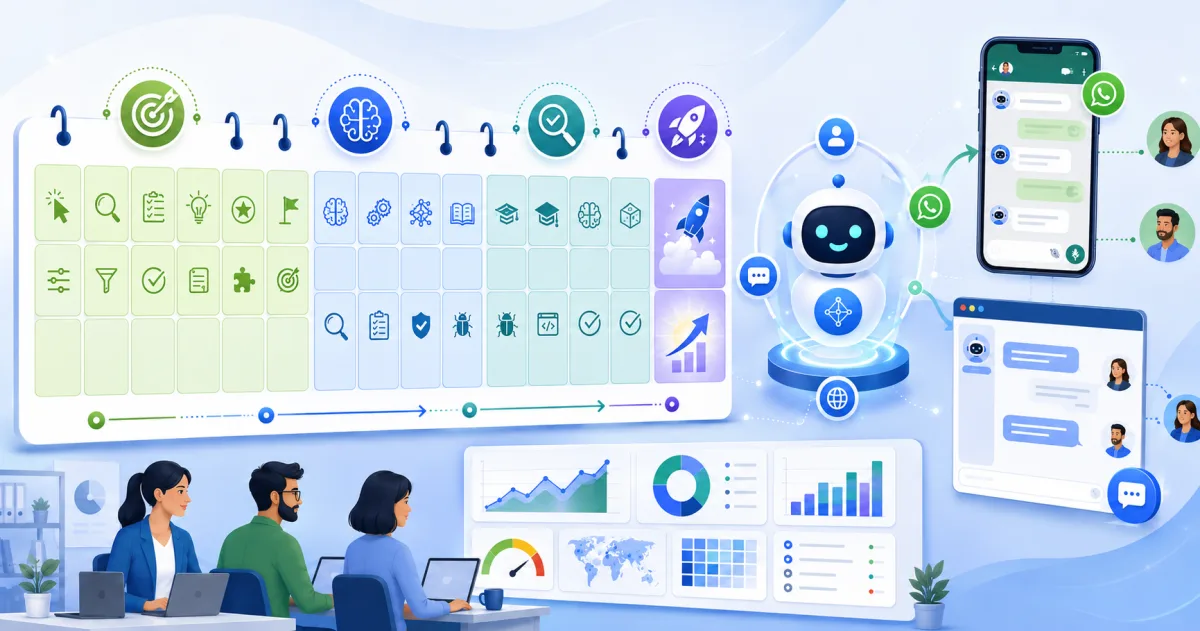
Putting an AI agent into production takes 30 days with the right focus: in week 1, choose ONE use case and define the metrics; in week 2, build the knowledge base and configure the agent; in week 3, test it with real scenarios and adjust the boundaries; in week 4, go live with daily monitoring. The secret is not the technology—it is having the discipline not to automate everything from the outset.
Before day 1: the decision that defines the project
A strong first use case meets three conditions: it occurs frequently (dozens of times per day), it carries low risk (an imperfect response will not cost you a customer), and the information already exists (the answers are in your documentation or system). Proven examples include repetitive support inquiries over WhatsApp, initial lead qualification, questions about hours/prices/stock, and appointment scheduling.
The week-by-week plan
| Week | Objective | Deliverable |
|---|---|---|
| 1 | Define the use case and metrics | Selected use case, 3 metrics, and a map of the required information |
| 2 | Knowledge base + configuration | Agent configured and trained on your documentation, with a defined tone |
| 3 | Testing with real scenarios | 50-100 test conversations, refined guardrails, and tested human handoff |
| 4 | Production with monitoring | Live agent, metrics dashboard, and daily conversation reviews |
Week 1: choose and measure
Define the three metrics before configuring anything: resolution rate (what % does it resolve without a human?), response time (compared with your current performance), and satisfaction (a simple question at the end). Without a baseline, you will not be able to demonstrate the return—measure the current process for one week while preparing everything else.
Week 2: the knowledge base drives 80% of the results
The agent can only respond as well as the information you provide. Gather the 30-50 most frequently asked questions and their REAL answers (the ones your best employee gives, not those in the 2019 manual), operational information (hours, prices, policies, service areas), and active documents. Here is our guide to building it properly—it is the most important part of the process.
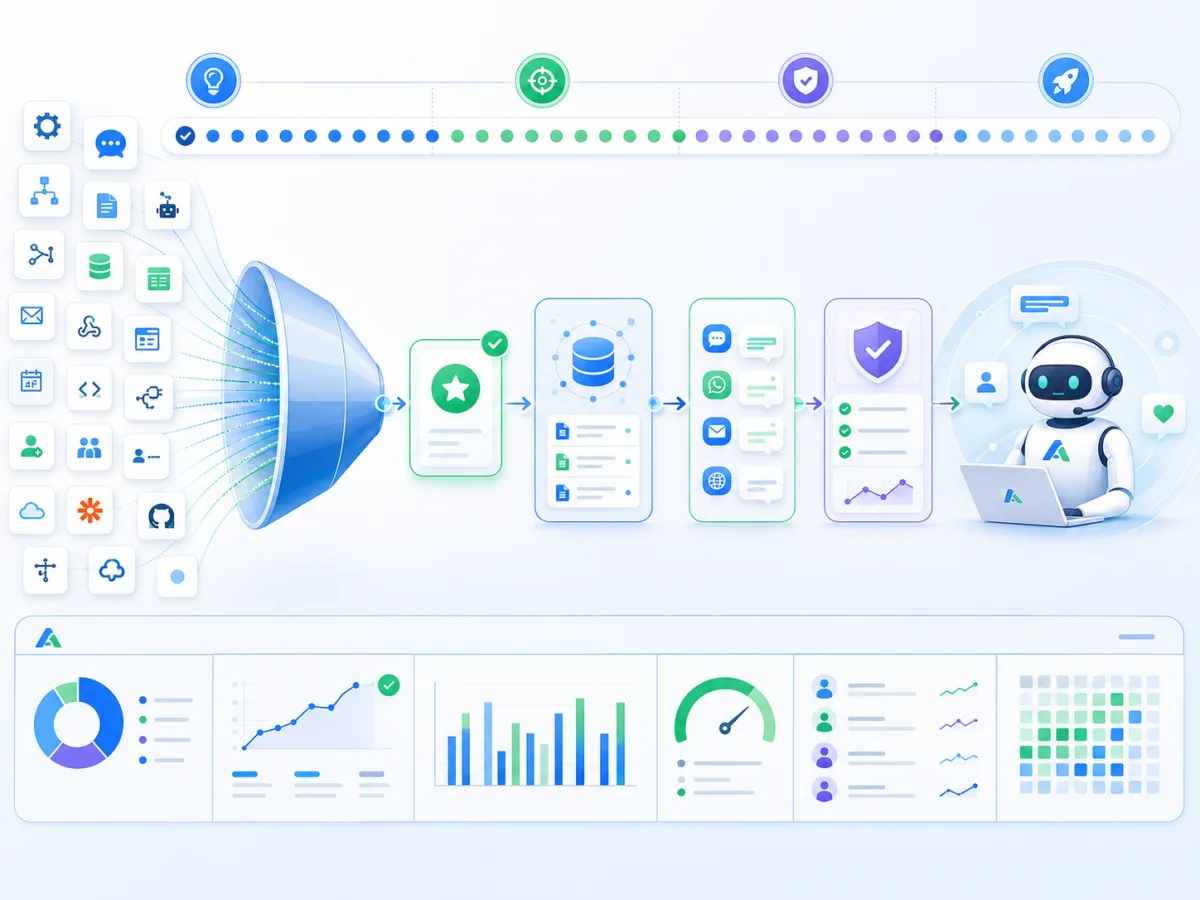
30-day implementation funnel: many automation ideas are narrowed down to one use case, followed by the knowledge base and channel, testing, and ultimately an agent in production with metrics.
Week 3: test with real situations, not ideal ones
- Feed the agent real conversations from the past month—including poorly written messages, transcribed audio, and conversations with frustrated customers.
- Define the guardrails: what it does not answer, when it hands off to a human, and how the conversation context is transferred with the handoff.
- Ask your best salesperson/support agent to try to break it: every issue found now prevents a frustrated customer later.
- Refine the tone: the agent should speak like your company, not like a manual.
Week 4: launch with ongoing review
Going into production does not mean turning off oversight: during the first week, conversations are reviewed every day, and the knowledge base is updated based on what emerges. If the volume feels overwhelming, launch with a subset (only outside business hours or only for one type of inquiry) and expand gradually. After 30 days, you will have what matters: real data to choose the second use case.
Mistakes that cause the first agent to fail
- Starting with the difficult use case (complex complaints, consultative sales): the agent fails, the team becomes discouraged, and the project is abandoned.
- Poor knowledge base: an agent without information either makes things up or frustrates users. If week 2 is rushed, you will pay the price in week 4.
- No human handoff: a customer trapped in a loop with a bot is one of the fastest ways to damage your brand.
- Not measuring: without metrics, after 3 months no one knows whether it worked, and the renewal decision is based on perceptions.
Choosing a platform
This plan is platform-agnostic: it works equally well with Agentforce if your operations run on Salesforce (we have a dedicated guide) or with Vaulty, our corporate AI platform, if you need agents for WhatsApp, web, and email trained on your documentation—with plans starting at USD 250/month and no IT project required.
Frequently asked questions
Are 30 days really enough?
For ONE clearly defined use case, yes—that is the timeline we use with clients. What cannot be done in 30 days is automating several areas at once. That comes later, based on evidence from the first use case.
How much does it cost to put an agent into production?
With Vaulty, plans start at USD 250/month, and launching the first use case is included in onboarding. With Agentforce on Salesforce, the implementation QuickStart costs USD 5.500. In both cases, you know the price before getting started.
Do I need a technical team?
Not for the initial use case: we configure it together, and your role is to provide the business knowledge—the real questions and their answers. You do need an internal owner to review conversations and keep the knowledge base up to date.
What if the agent does not work for my industry?
The plan is designed to find out quickly and cost-effectively: if the real scenarios in week 3 show that the use case could not be automated, you will know before going into production—and the conclusion is almost always not “it does not work,” but rather “a different use case was the right one.”
Want to bring this to your company?
At AT Vault, we put AI agents into production every week—with Vaulty (starting at USD 250/month) or Agentforce on Salesforce. If your use case has been on the table for months, contact us: in 30 days, we will get it off your to-do list.